Your child learns to use professional softwares

Your child imagines the rules of his game and the path of the players

Your child learns to organize a project from A to Z
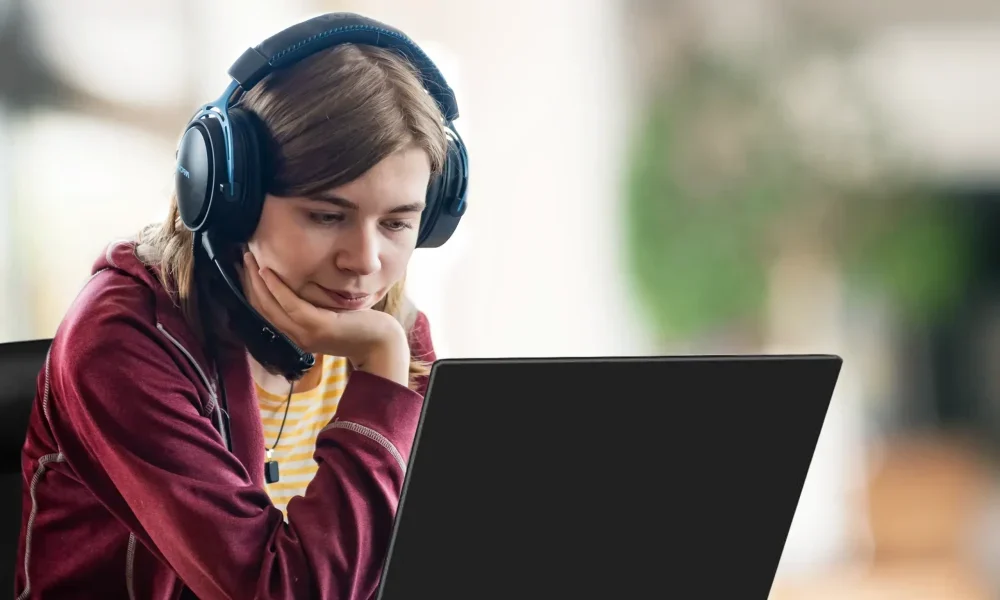


There are no prerequisites, but they must be used to using a computer.
Some aspects of game creation have been simplified to be accessible to beginners, but the principles and methods are those of professionals.
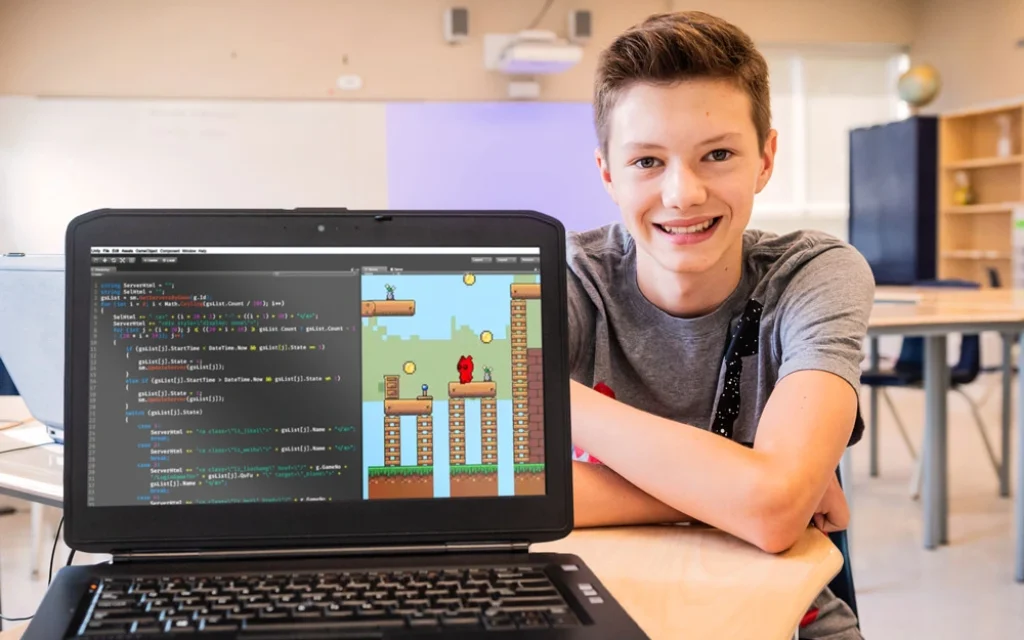
This course is for young people who love computers and are ready to take on technical challenges and use complex software.
We welcome varied profiles, with success, thanks to flexible and personalized teaching tools.
There is no exam or performance pressure. Everyone can follow the course at their own pace, because most of the time, students do not all do the same thing at the same time. Our entire team is sensitive to neurodiversity:
Gifted
ADD/ADHD
High-level ASD
Difficulties in reading, writing and language
Lack of interest in school
Excessive video game practice
We ask parents to give practical information to the teacher, first by email (info@studioxp.online) then live, before a lesson.
Teachers are available 15 minutes before each class for private and confidential discussions.
The Customer Support team is at your disposal too.
A caring instructor is on hand to guide your child through the challenges.
The course content is available on our online platform, created especially for young people.

COMPUTER
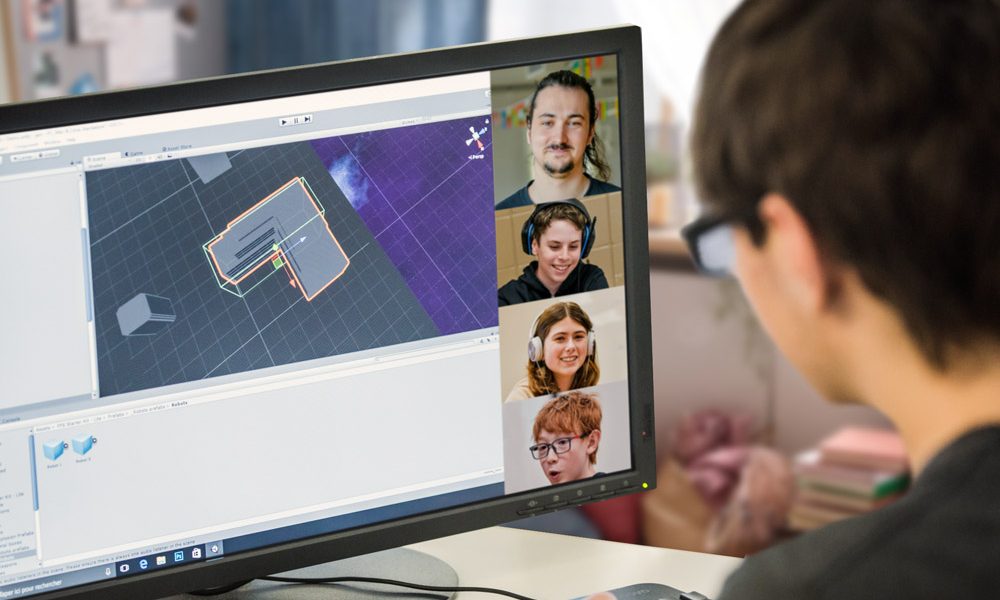
You need a PC or Mac with average performance, ie with a processor of at least 2 GHz (no Chromebook or tablet).
MANDATORY EQUIPMENT
Sufficient internet connection for the videoconference.
Webcam, microphone, headphones (e.g. phone headphones)
Mouse
SOFTWARE
All software is provided, by email. You will receive an installation guide, and an invitation to one of our technical support sessions.
For the Minecraft Coder course, it will be necessary to purchase the Minecraft Java Edition game beforehand (see the “Minecraft Curriculum” section).
For the Game Creator with Roblox Course, it will be necessary to download the free software on the official Roblox Studio site (see the “Game Creator with Roblox Course” section).
COMPUTER TYPE REQUIRED
All you need is a 2 GHz processor. In 99% of cases, you don’t have to worry about other performance parameters (RAM, graphics card…).
To know your Windows processor: Right click on the Start Menu, on the left of the task bar, and choose System.
To know your Mac processor: Choose Apple Menu (🍎) > About This Mac, top left.
To test the power of your computer
Some processors below 2 GHz are suitable.
The best test is simply to play Minecraft: If the game is smooth, your computer is suitable for all XP courses.
Download the free version of Minecraft (demo).
If you have to buy a computer
All you need is a $500 model, equipped for video conferencing (webcam, microphone).
Choose a PC over a Mac, if you have the choice.
Optional equipment
A 2nd screen can improve the experience as various tools will be running at the same time, but it is not a requirement for the Minecraft course.

En ligne
Voir les cours

En Présentiel
2h x 5 semaines
Voir les cours
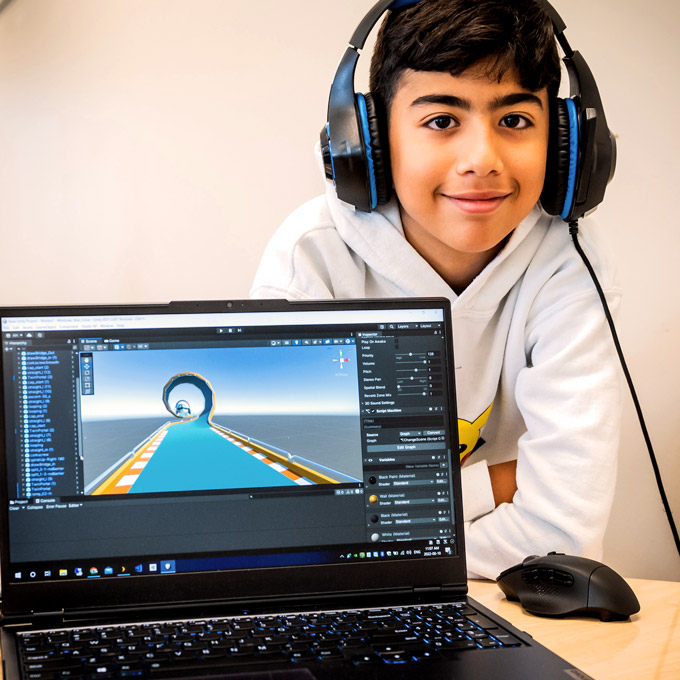
Camps d’été
En ligne
1 x 2h par jour
du Lundi au Vendredi
En savoir +
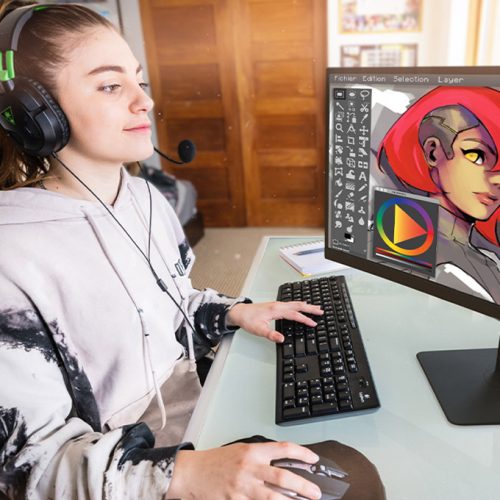
A partir de 8 ans
Voir les camps

A partir de 8 ans
Voir les camps

Sign up for the trial lesson!
At the end of the lesson, your child’s teacher will answer your questions.
Do not hesitate to contact us!
Our caring team will answer your questions.
Each unit of our weekly classes consists of 10 hours of lessons that is spread out across 5 modules with 2 hours of classes in each module.
We are offering, for free, 2 hours of”Open Class”, which will take place during the 6th session of the unit.
These “Open Class” will be used to:
The “Open Class” is offered for free by Studio XP and is therefore not refundable.