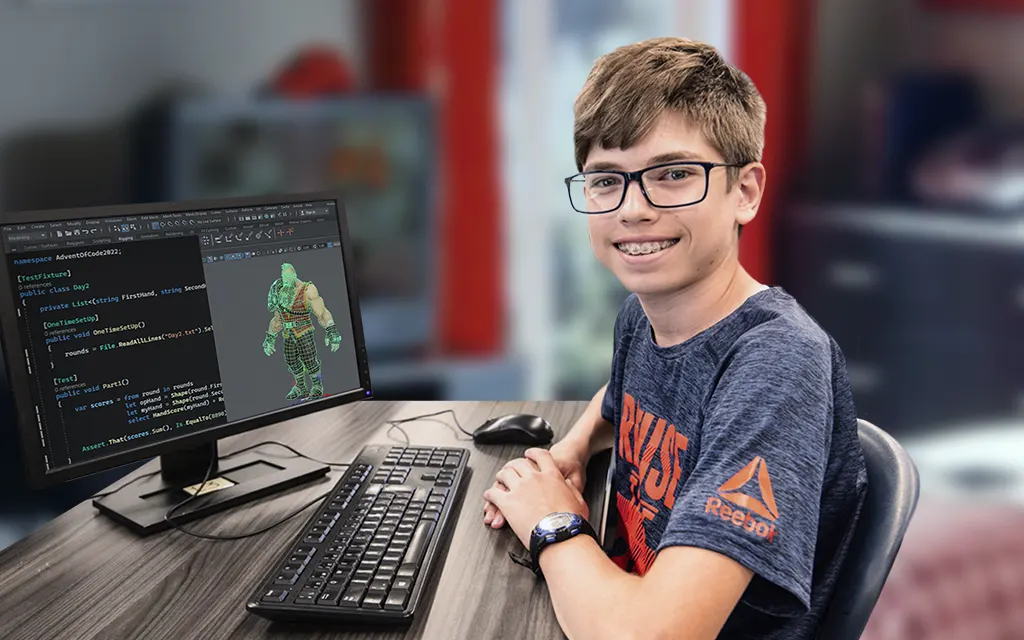
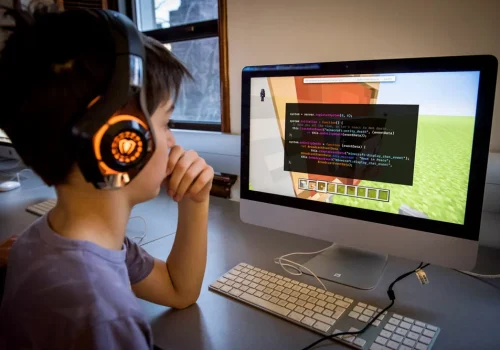
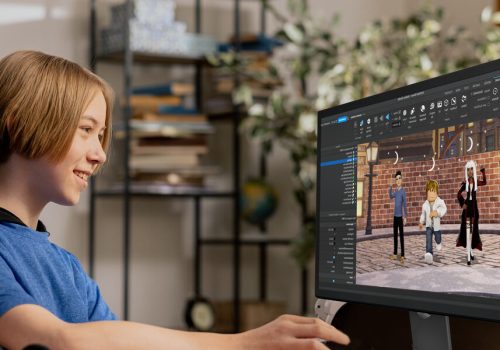
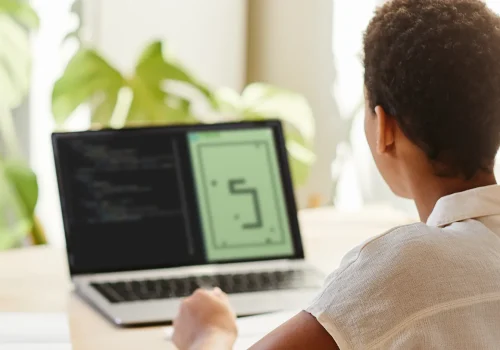
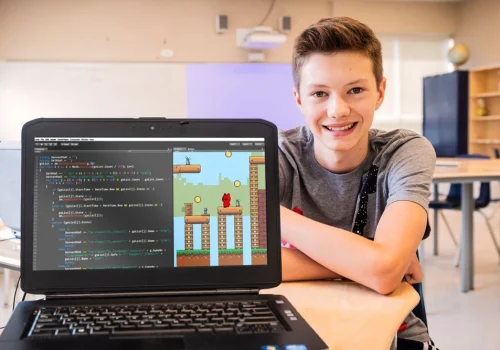
Every week, your child meets up with his or her new friends in a small private group. The instructor gives them creative challenges and helps them adopt good programming reflexes.
Our mission is to teach your children the skills of tomorrow: computer programming. Since 2016, we have helped more than 15,000 children. Our success is based on our team of caring instructors and our innovative educational programmes.
Caring instructors
Beginner to advanced
Designed for young people
adapted platform
What software and hardware are needed?
COMPUTER You need a PC or Mac with average performance, ie with a processor of at least 2 GHz (no Chromebook or tablet).
MANDATORY EQUIPMENT Sufficient internet connection for the videoconference. Webcam, microphone, headphones (e.g. phone headphones) Mouse
SOFTWARE
All software is provided, by email. You will receive an installation guide, and an invitation to one of our technical support sessions. For the Minecraft Coder course, it will be necessary to purchase the Minecraft Java Edition game beforehand (see the “Minecraft Curriculum” section).
For the Game Creator with Roblox Course, it will be necessary to download the free software on the official Roblox Studio site (see the “Game Creator with Roblox Course” section).
COMPUTER TYPE REQUIRED All you need is a 2 GHz processor. In 99% of cases, you don’t have to worry about other performance parameters (RAM, graphics card…).
To know your Windows processor: Right click on the Start Menu, on the left of the task bar, and choose System. To know your Mac processor: Choose Apple Menu (🍎) > About This Mac, top left.
To test the power of your computer
Some processors below 2 GHz are suitable. The best test is simply to play Minecraft: If the game is smooth, your computer is suitable for all XP courses. Download the free version of Minecraft (demo).
If you have to buy a computer
All you need is a $500 model, equipped for video conferencing (webcam, microphone). Choose a PC over a Mac, if you have the choice.
Optional equipment
A 2nd screen can improve the experience as various tools will be running at the same time, but it is not a requirement for the Minecraft course.
Does my child have the level?
There are no prerequisites, but they must be used to using a computer.
Some aspects of game creation have been simplified to be accessible to beginners, but the principles and methods are those of professionals.
This course is for young people who love computers and are ready to take on technical challenges and use complex software.
End of registration for weekly courses
APRIL SESSION
Days
Hours
Minutes
Seconds
Which theme best suits your child's interests?
Minecraft
8 to 14 years old
Roblox
10 to 14 years old
Python
10 to 15 years old
Designer
11 to 19 years old
Minecraft
8 to 14 years old
Minecraft coding
Minecraft coding camp
Introduction to programming
Participants are introduced to computer logic and algorithms while playing one of their favourite games. Working on small projects and overcoming different challenges, kids learn to think like programmers. Learn more about Minecraft Coding.
Your teenager manages his project by planning and creating his own video game levels. It’s all about creativity and organization. Learn more about Game Designer.
We offer a free trial lesson online. Sign up with your child. Our exercises will help you assess your child’s preferences. Our instructor will be able to advise you; just ask.
Don’t worry: You can change your theme selection after the 1st lesson.
Should you register your child for more than one unit right away?
Yes.
The programmes are comprehensive and progressive. Children develop their skills through various projects throughout the course. Continuing the chapters allows children to consolidate what they have learnt.
1-POSTPONING YOUR UNIT It is possible to reschedule – free of charge – units that have not yet started by sending an email to info@studioxp.online. The email must be sent no later than 6 days before the 1st day of the online weekly class or camp. After this time, the 1st module will be invoiced to you.
2-GET A REFUND Just send an email to info@studioxp.online. This email sets the date for the refund request. The refund is made to the credit card that was used for the initial payment. Any change of credit card must be indicated in the refund request, in particular in the event of loss or fraud.
Online Weekly Classes:
Post-email modules are refunded in full, if a 6 day notice is provided. After this time, you will be charged for the next module.
Missed modules (absences) are not refunded.
The amount that is refunded is based on 10 hours of classes which correspond to the first five modules of a unit
Online Camps:
Post-email modules are refunded in full, if a 6 day notice is provided. After this time, you will be charged for the next module.
Missed modules (absences) are not refunded.
3-CANCELLATION OR MODIFICATION OF LESSONS BY STUDIO XP Exceptionally, it may happen that Studio XP is forced to cancel a class / camp or change the schedule. Parents are then notified as soon as possible. If the change does not suit them, they are refunded free of charge.
What happens in case of absence or shared custody?
Missed course modules cannot be resumed at another time or with another group. The student can repeat the missed module by themself, thanks to the detailed course content available on our internet platform (Moodle). They can also get help from their teacher before the next module. Our teachers are available 15 minutes before each class to answer questions from students and their parents.
Students in shared custody can follow their course with both parents, on two different computers. All they have to do is install the software, save their work for each lesson and transfer the files either by email or using a USB key.
Limited places, check availability. Access the timetables and register your child.
Who is the virtual classroom instructor of your child?
Founded in 2016 by former Ubisoft studio directors, Studio XP specialises in teaching video game creation.
All our instructors are experts in video game creation, passing on their passion to your child.
Come and meet us by signing up for a trial lesson.
" My daughter has been learning for over a year and my son, who has mild ASD, is just starting out. It's great to see my children so keen to learn. "
" My son is proud of the knowledge he is acquiring, the results of the projects he is doing and the support his teachers give him. "
" I'm delighted with my son's interest in the Minecraft coding course, despite his very advanced level. He loves his course and we're very happy about that! "
" What surprised me was the effort Matheo puts in every Wednesday. "
Each unit of our weekly classes consists of 10 hours of lessons that is spread out across 5 modules with 2 hours of classes in each module. We are offering, for free, 2 hours of”Open Class”, which will take place during the 6th session of the unit.
These “Open Class” will be used to:
Complete the current unit (especially if your child is absent from a module)
Hold a meeting to discuss about your child’s progress – on Studio XP’s initiative
Retake a cancelled course module – on Studio XP’s initiative
Take a break before the next unit
The “Open Class” is offered for free by Studio XP and is therefore not refundable.