
For children
aged 8 to 14

For all levels
and abilities

2 hour class every week
+1 open class*

and a virtual classroom

7 to 9 participants
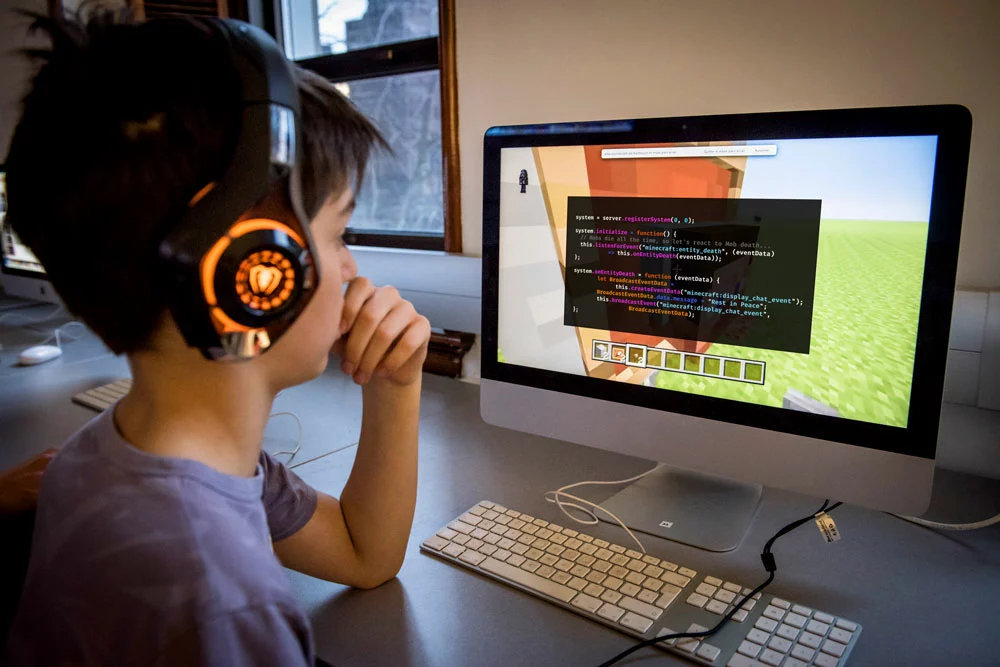
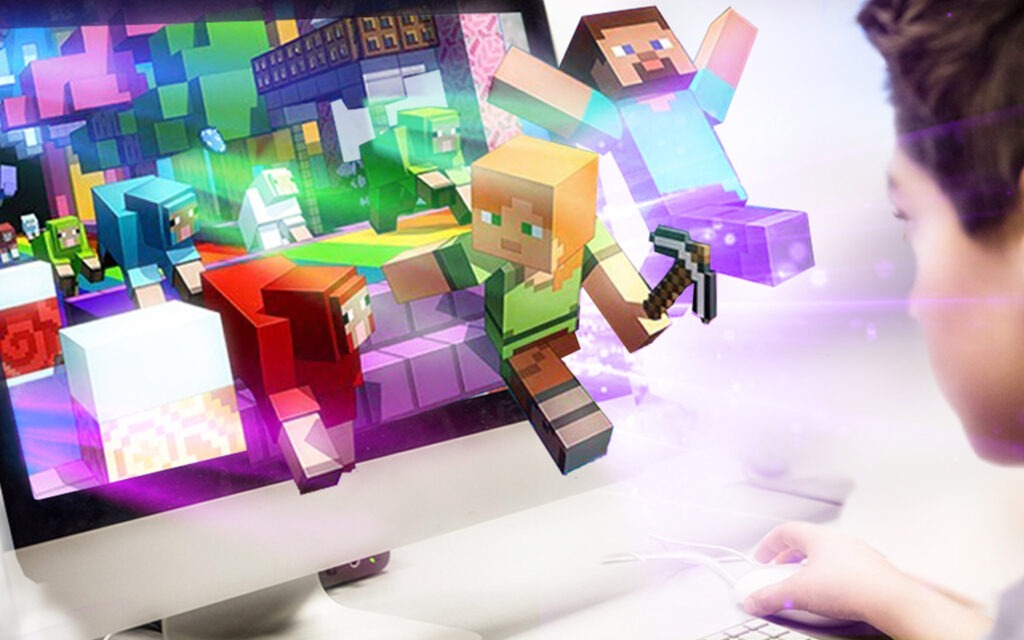
Participants are introduced to computer logic and algorithms while playing one of their favourite games. Working on small projects and overcoming different challenges, kids learn to think like programmers.


We encourage collaboration while respecting individual learning preferences. Participants create mechanisms using the advanced functions available in Minecraft Java Edition (requirement).



APRIL SESSION
Code : DEPOT_10
GET 20% OFF on online weekly classes
when purchasing 3 UNITS
The whole Minecraft experience is divided into 7 UNITS. Each Unit consists of 10 hours of classes + a bonus class.
An INTRODUCTION TO ALGORITHMS using the REDSTONE
Is your child familiar with Minecraft already? Then, they are ready to explore further and master the power of the Redstone.
The Redstone is to Minecraft what electronic circuits are to the real world. This is what powers the mechanisms children create in Minecraft. In chapter 1, participants will learn to build a safe.
Objectives:
SIMPLIFIED PROGRAMMING using COMMAND BLOCKS
In Unit 2, your child will design a piston door system and an elevator. They will discover the usefulness of Command Blocks.
In Unit 3, they will create a battle arena and a puzzle game.
In Unit 4, they will be taught the notions of conditions and states, to create a Splatoon-like course game.
Objectives:
CREATIng MODS AND coding with JAVA's logic using visual blocks
Participants use the MCreator software and visual coding to learn the basics of the Java language. This allows them to modify the Minecraft game and add their own creations.
In Unit 5, children create magic swords and new ores.
In Unit 6, children program a stone block generator activated by a power source.
In Unit 7, children finalize their mod creation. They can share it with friends.
Objectives:


There are no prerequisites, but they must be used to using a computer.
Some aspects of game creation have been simplified to be accessible to beginners, but the principles and methods are those of professionals.
This course is for young people who love computers and are ready to take on technical challenges and use complex software.
Hardware – You need a computer that provides average performance. That would be a processor of at least 2 GHz. No Chromebook or tablets are allowed. To test your computer’s performance, download and run the Minecraft demo. If it runs smoothly, your computer is powerful enough.
Make sure you have enough bandwidth to allow video calls. Also, have a webcam, a microphone, headphones, and a mouse to facilitate your child’s experience.
Software – You need to buy, download, and install Minecraft Java Edition.
We welcome varied profiles, with success, thanks to flexible and personalized teaching tools.
There is no exam or performance pressure. Everyone can follow the course at their own pace, because most of the time, students do not all do the same thing at the same time. Our entire team is sensitive to neurodiversity:
Gifted
ADD/ADHD
High-level ASD
Difficulties in reading, writing and language
Lack of interest in school
Excessive video game practice
We ask parents to give practical information to the teacher, first by email (info@studioxp.online) then live, before a lesson.
Teachers are available 15 minutes before each class for private and confidential discussions.
The Customer Support team is at your disposal too.
Missed course modules cannot be resumed at another time or with another group.
The student can repeat the missed module by themself, thanks to the detailed course content available on our internet platform (Moodle). They can also get help from their teacher before the next module. Our teachers are available 15 minutes before each class to answer questions from students and their parents.
Students in shared custody can follow their course with both parents, on two different computers. All they have to do is install the software, save their work for each lesson and transfer the files either by email or using a USB key.
1-POSTPONING YOUR UNIT
It is possible to reschedule – free of charge – units that have not yet started by sending an email to info@studioxp.online.
The email must be sent no later than 6 days before the 1st day of the online weekly class or camp.
After this time, the 1st module will be invoiced to you.
2-GET A REFUND
Just send an email to info@studioxp.online. This email sets the date for the refund request.
The refund is made to the credit card that was used for the initial payment. Any change of credit card must be indicated in the refund request, in particular in the event of loss or fraud.
Online Weekly Classes:
Online Camps:
3-CANCELLATION OR MODIFICATION OF LESSONS BY STUDIO XP
Exceptionally, it may happen that Studio XP is forced to cancel a class / camp or change the schedule.
Parents are then notified as soon as possible. If the change does not suit them, they are refunded free of charge.
4-ABSENCES
Refer to the question: “What happens in the event of absence or shared custody?”
Each unit of our weekly classes consists of 10 hours of lessons that is spread out across 5 modules with 2 hours of classes in each module.
We also offer for free 2 hours of an “Open Class” in which the class structure will vary. [depending on the unit]*
The “Open Class” will take place on the sixth and last class of a unit.
This “Open Class” will be used to:
*The “Open Class” is offered for free by Studio XP and is therefore not refundable.
You may find the answer to your question in the full list of FAQs.
Do not hesitate to contact us by email info@studioxp.online
Sign up for the trial lesson!
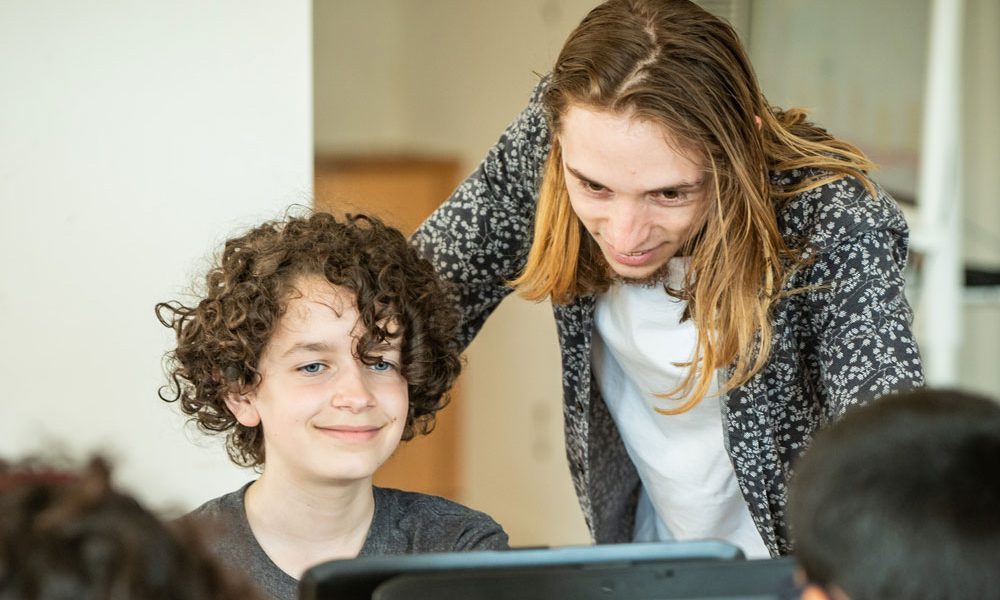
At the end of the lesson, your child’s teacher
will answer your questions.
Have a look at our virtual camp!
Our one week camp consists of 2 hour class everyday,
accompanied by our professional teachers.
Each unit of our weekly classes consists of 10 hours of lessons that is spread out across 5 modules with 2 hours of classes in each module.
We are offering, for free, 2 hours of”Open Class”, which will take place during the 6th session of the unit.
These “Open Class” will be used to:
The “Open Class” is offered for free by Studio XP and is therefore not refundable.